New: Solve, Flash Cards and AI Courses
Everything you need to pass, in one app.
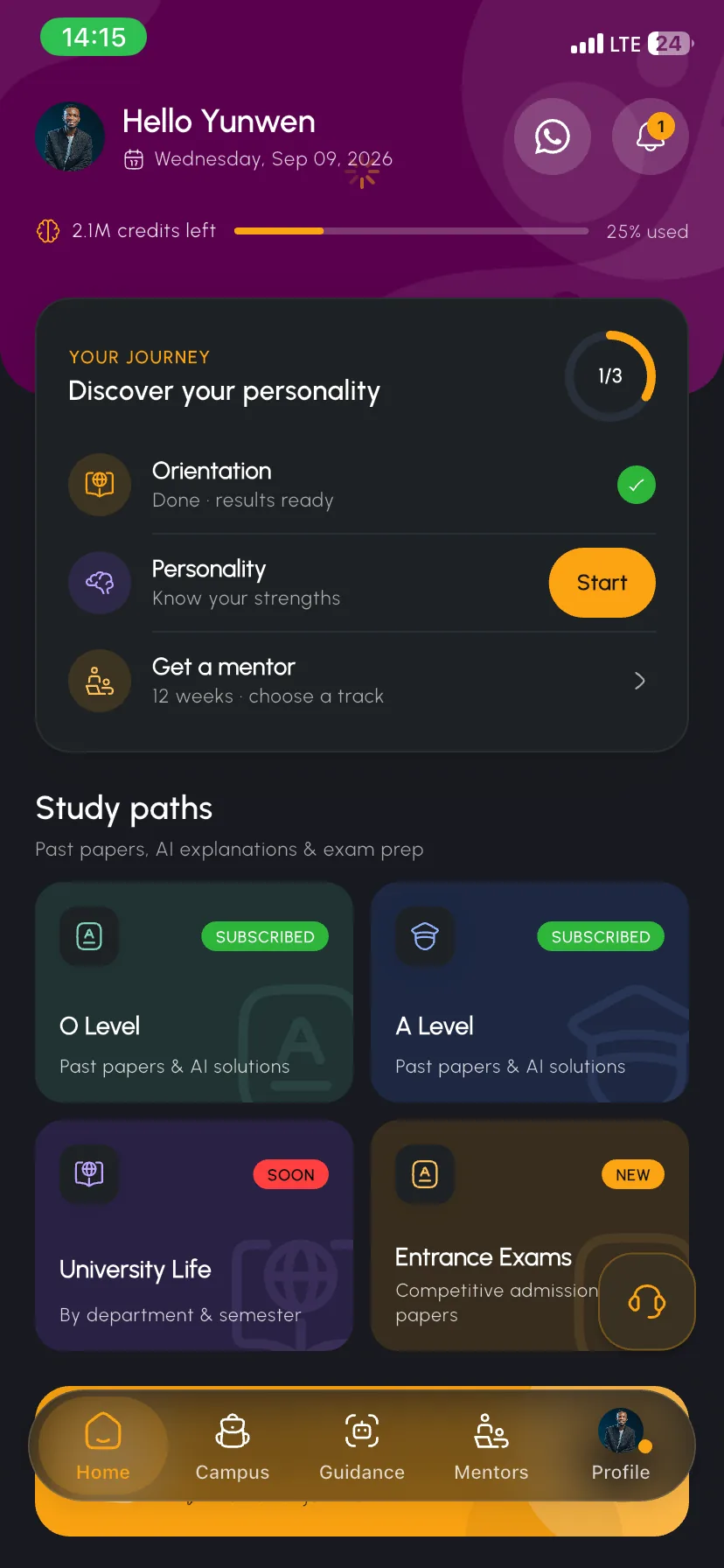
Real past papers for O Level, A Level, entrance exams and university — plus Solve to snap any question, AI flash cards, full AI courses and a daily streak that keeps you going.
Explore the features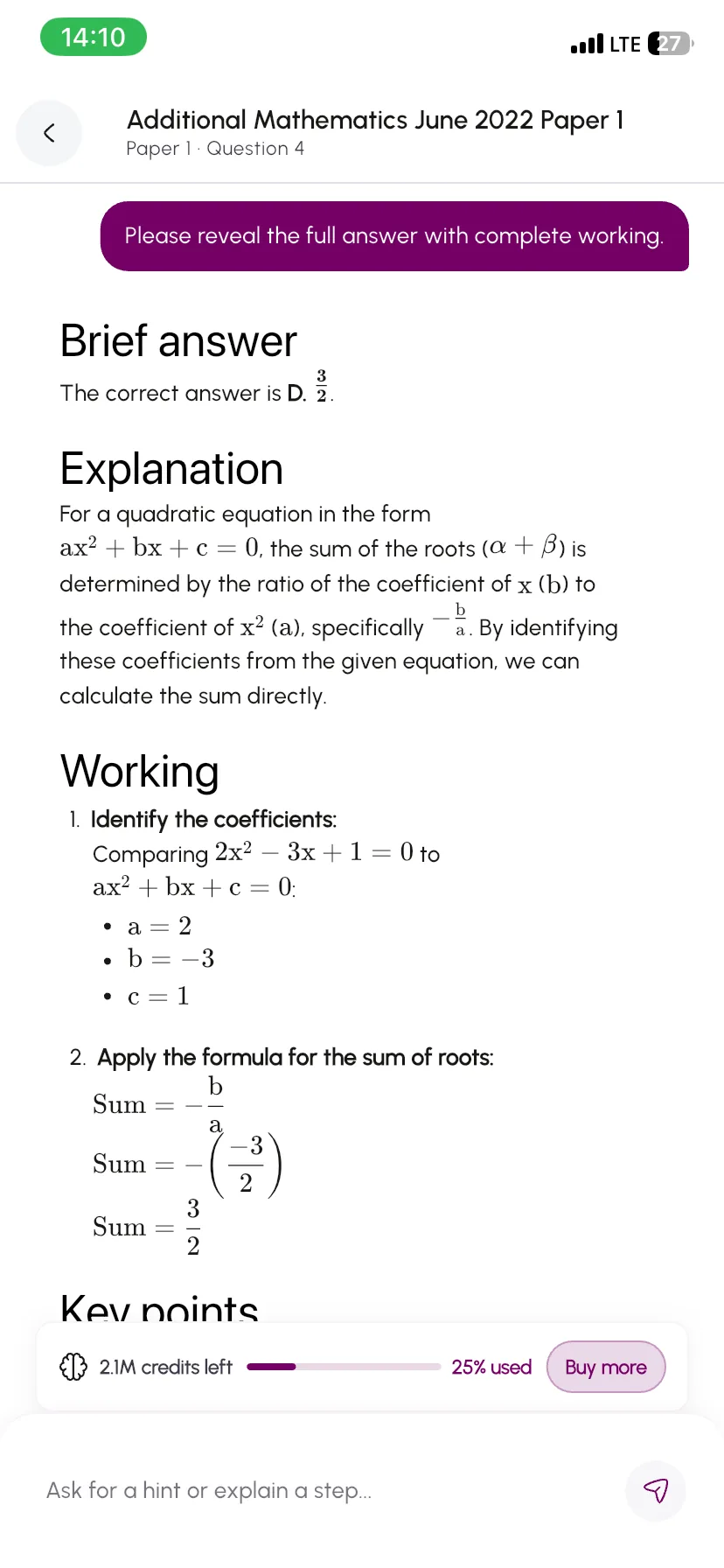
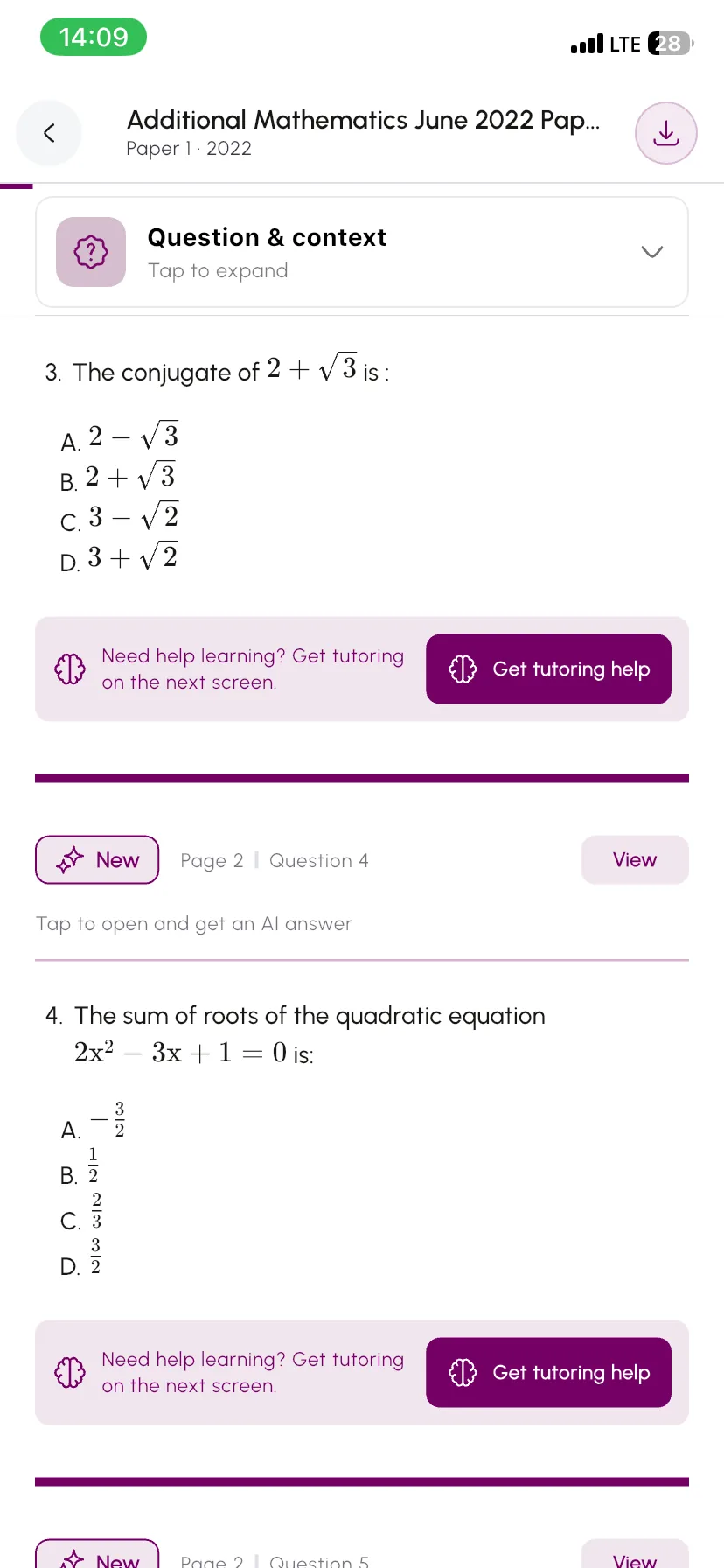
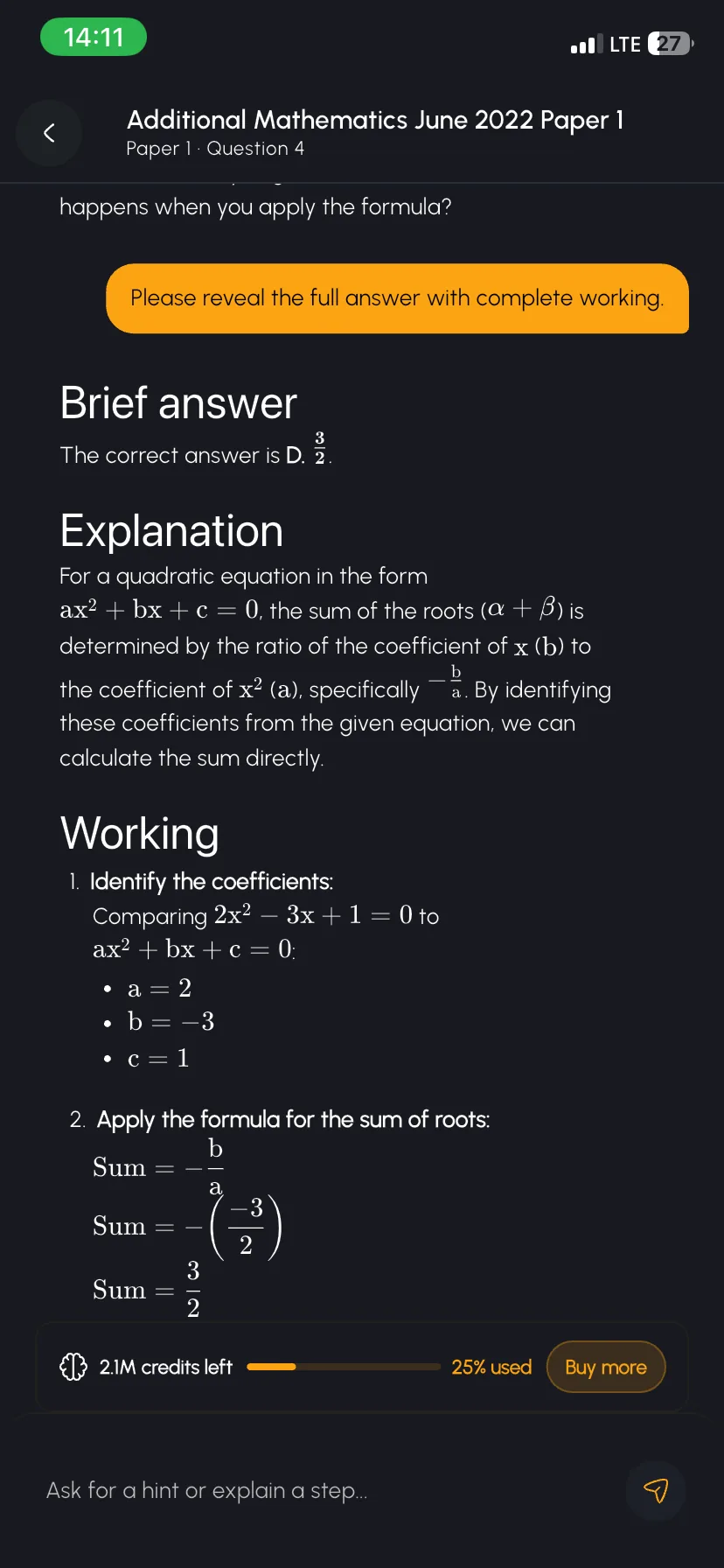
Question 4 · Paper 1 · 2022
AI explanation ready
The problem
Past questions shouldn't be this painful
Most platforms just hand you a scanned PDF and call it a day. You deserve better.
The scanned PDF
- Blurry, unreadable scansPhotocopied PDFs passed around until the text is barely legible.
- No structure or organizationHundreds of files dumped into folders with no way to find what you need.
- Not built for mobilePinch-to-zoom on a tiny screen to read a full A4 page? No thanks.
- No help when you're stuckYou see the question, but when you don't understand it — you're on your own.
On Togeva Campus
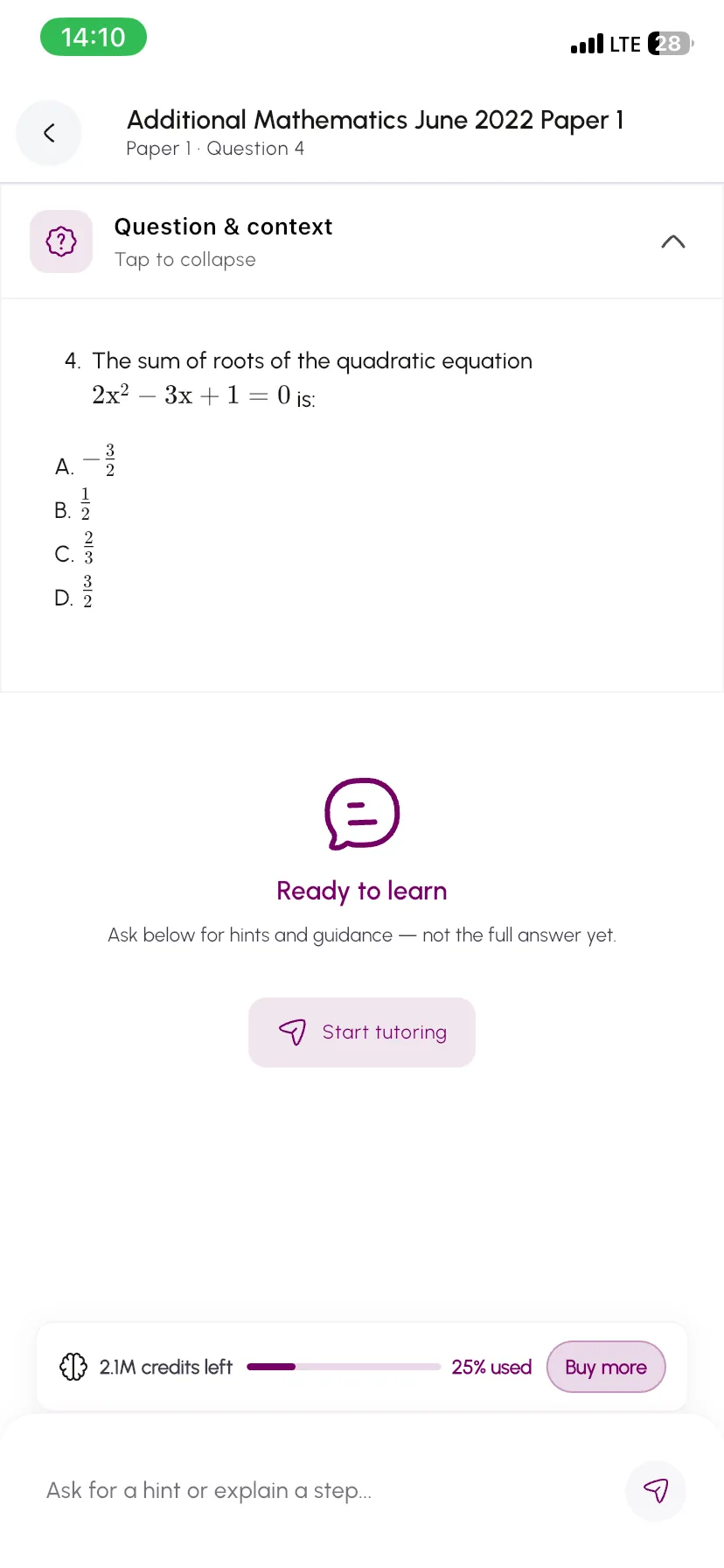
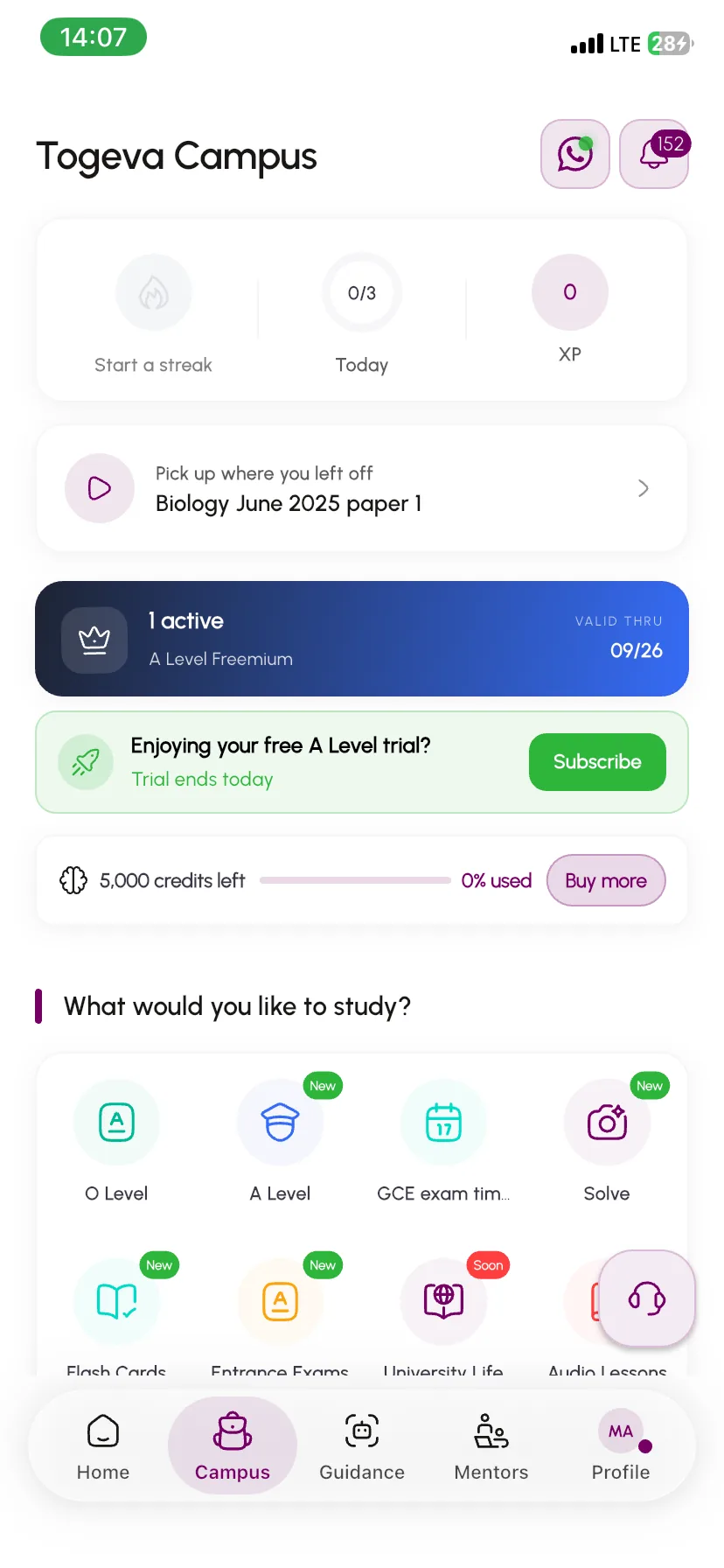
With Togeva Campus, every question is extracted, structured, and presented so you can actually read it, interact with it, and learn from it — right on your phone.
01 · Past papers
O Level, A Level and entrance exam papers that are easy to read
Every question is pulled out of the scanned paper and laid out cleanly for your phone, sorted by exam, subject and year. And when you are stuck, there is an AI tutor on every question.
GCE O Level
Every O Level subject, paper by paper, kept apart from A Level so you always practise at your level.GCE A Level
A Level subjects split by Paper 1, 2 and 3, in the same layout as O Level, so moving up a level is easy.Entrance exams
Concours papers for universities and professional schools, sorted by the school you are applying to and by exam session.An AI tutor on every question
Tutor mode gives hints without the answer. Answer mode shows the full worked solution. You can ask follow-up questions in both.
- Sorted by subject and year
- Pick up where you left off
- Counts towards your daily streak
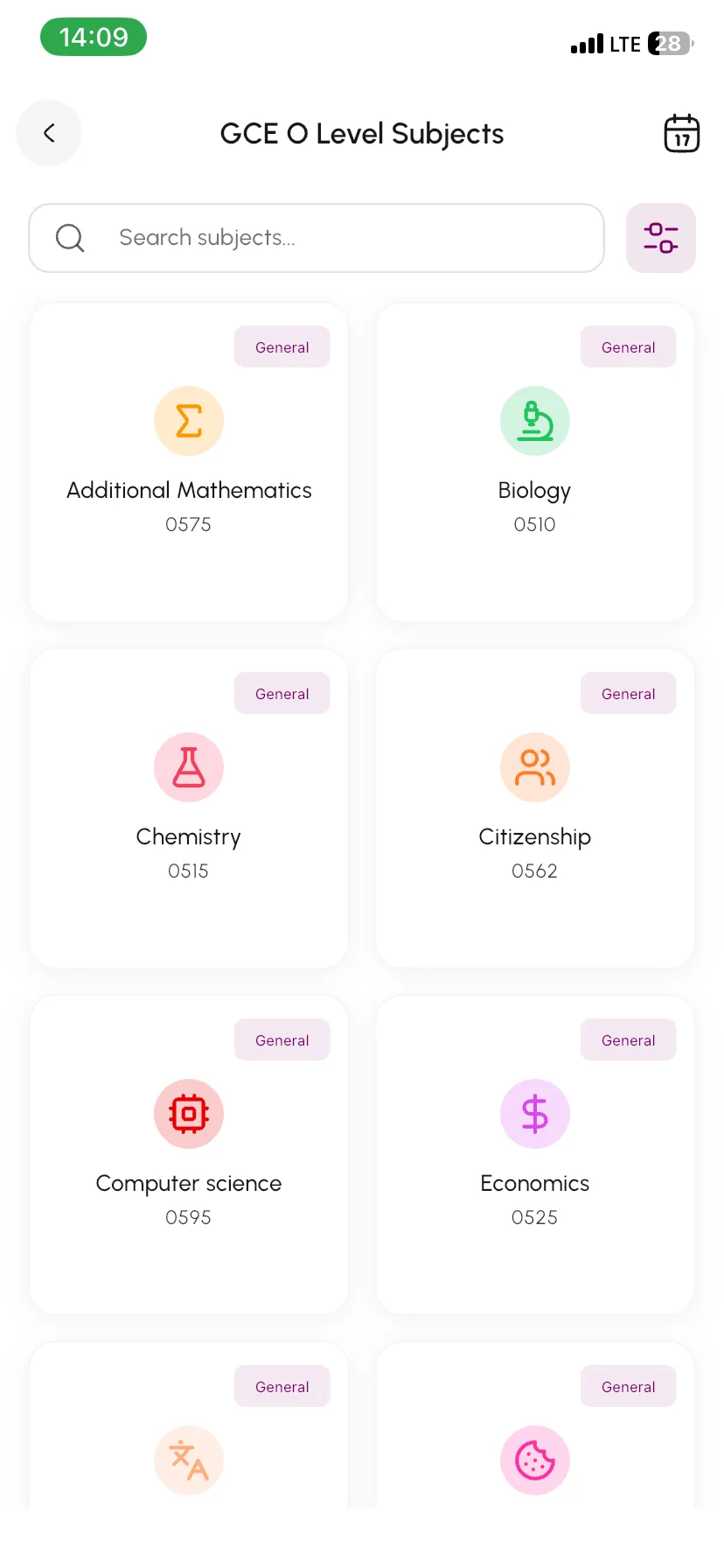
02 · AI Courses
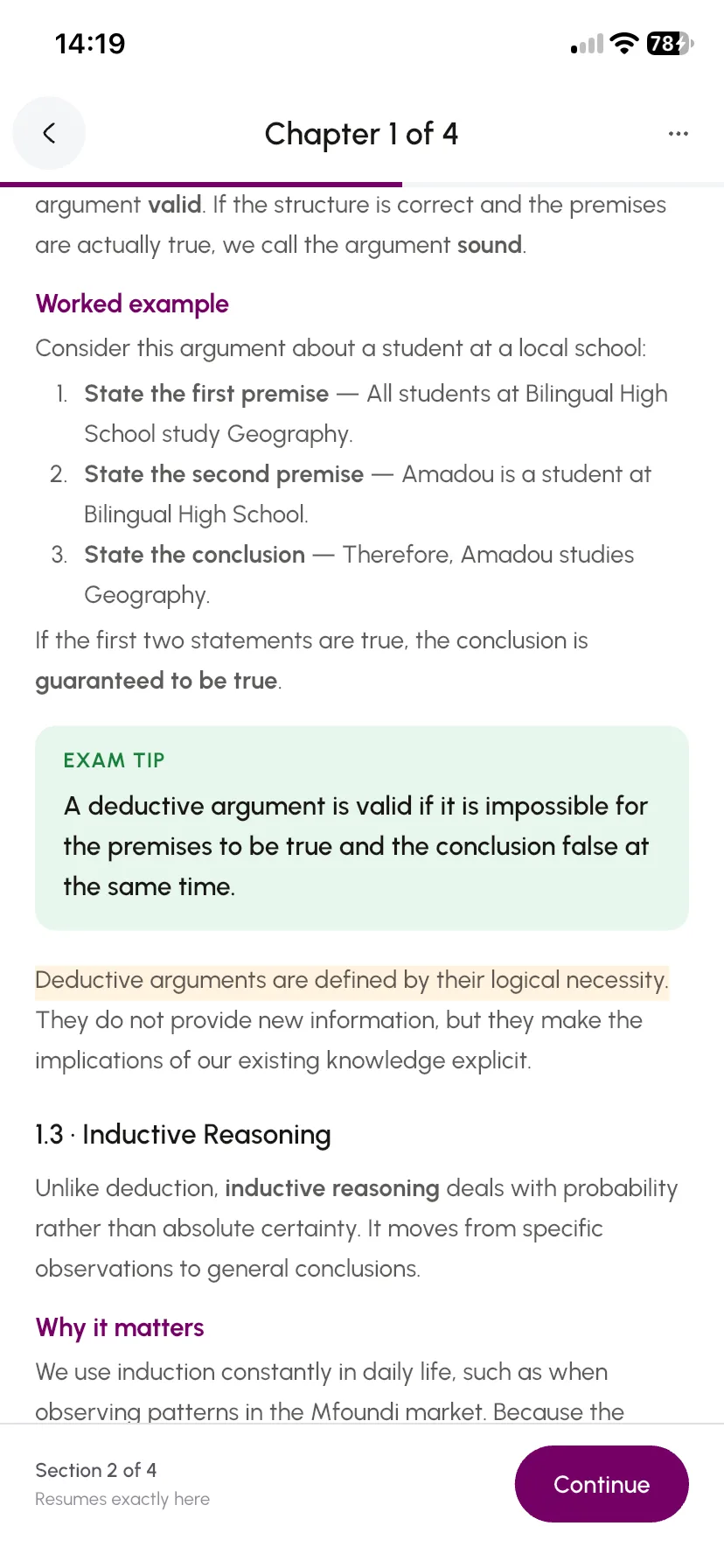
Turn one sentence into a full course
Tell Togeva what you want to learn and your level, for example “Quadratic equations for Form 5”. It plans the chapters and checks them with you first. Then it writes the course one chapter at a time.
Describe it
One or two lines is enough. Choose your level, a short, standard or long course, and English or French.Check the plan
You see the chapter plan before writing starts, and can write one chapter at a time or the whole course at once.Learn and test yourself
Each chapter has worked examples, a short summary and a quiz. Your first try at each quiz earns points.Learn together
Share a course with classmates by link or invite, or open reviewed courses from the catalogue.
If a chapter fails to write, its credits come straight back. Nothing to claim.
03 · Flash Cards
Revise any topic in a few minutes
Make a deck of flash cards on any topic, then swipe through it. The cards you mark “Still learning” come back each round until you know them.
Make a deck with AI
Pick a topic, a difficulty and how many cards you want. Your deck is ready in seconds.Swipe to revise
Flip a card, then choose “Got it” or “Still learning”. Each round ends with your score.Explore shared decks
Study decks other students have shared, and filter them by language and level.Share with a link
Make a deck public and send the link. It opens straight in the app.
You get one free deck every day.
04 · Quizzes
Quizzes that earn you XP
Play Center makes AI quizzes for you to test what you know and discover careers. Every right answer earns XP, and the leaderboard shows how you rank against other students.
Four quiz modes
Learning tests a topic, Aptitude tests your reasoning, and Career and Discovery help you explore jobs.Your field, your level
Pick a field and a level: beginner, intermediate or advanced.Learn from every answer
Each question has an explanation, and you can go back over all your answers at the end.XP and a leaderboard
Earn XP for each right answer, plus a bonus for finishing, and climb the leaderboard.
05 · Solve
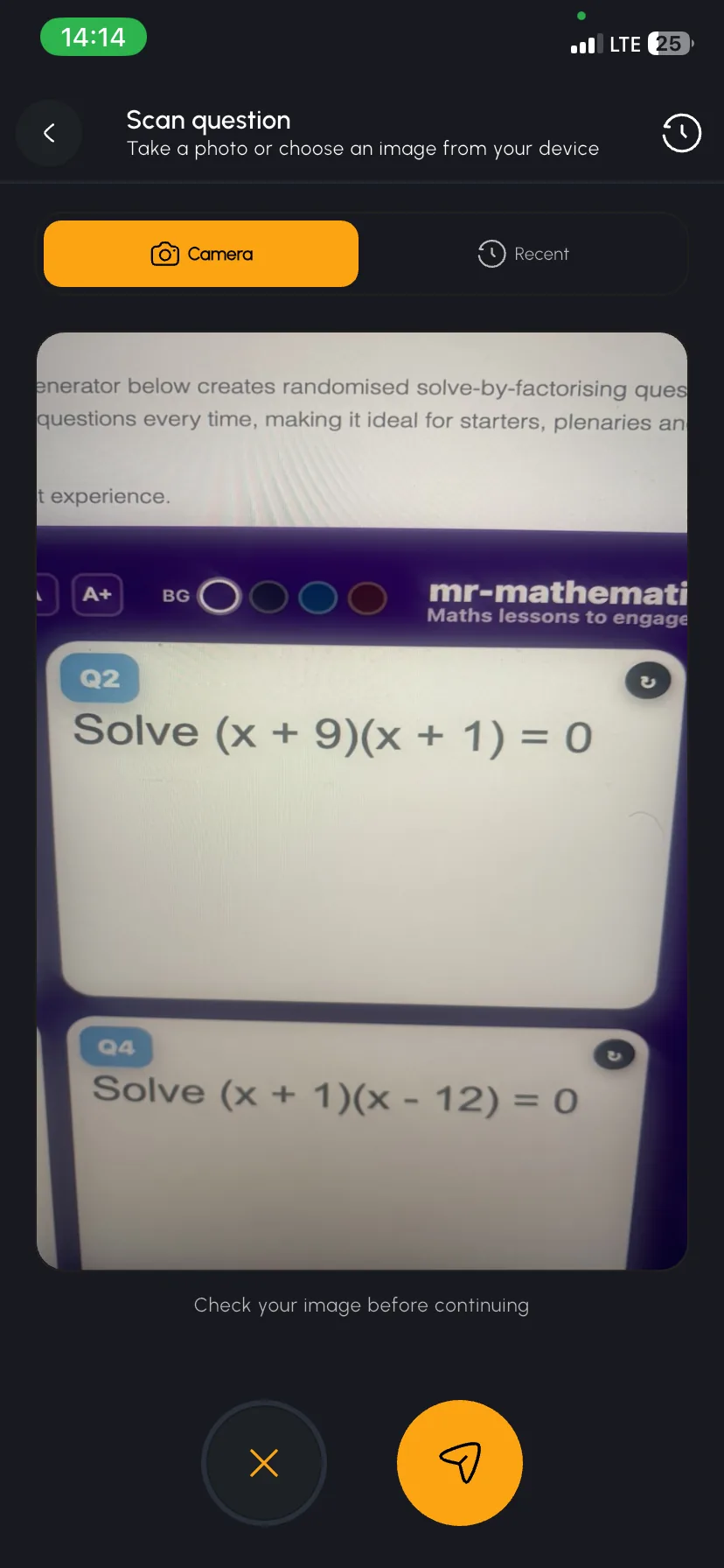
Snap a question and get the working
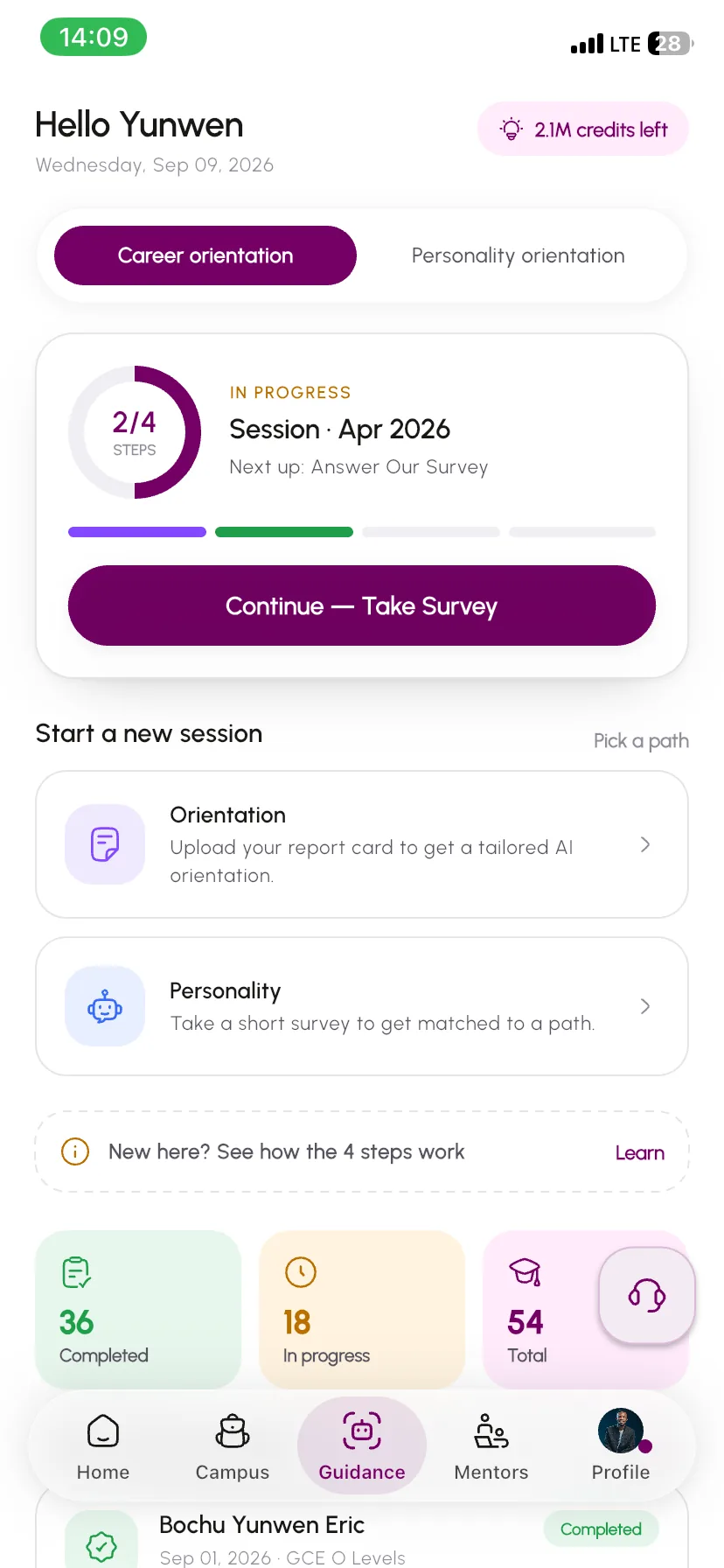
Stuck on homework or a question in a textbook? Take a photo of it and Solve shows you the step-by-step working. You can keep asking until it makes sense.
Camera, gallery or files
Photograph a printed or handwritten question, or choose an image you already have.Step-by-step working
You get the full method, not just the final answer.Ask follow-up questions
Ask why a step works, or ask for a simpler explanation.Your history is kept
Earlier scans and answers are saved, so you can come back to them before the exam.
Every question you solve counts towards your daily streak.
Also in the app
More to help you get through exam season
Free tools that keep you on track, whatever you are studying.
Daily streak
A reason to come back tomorrow
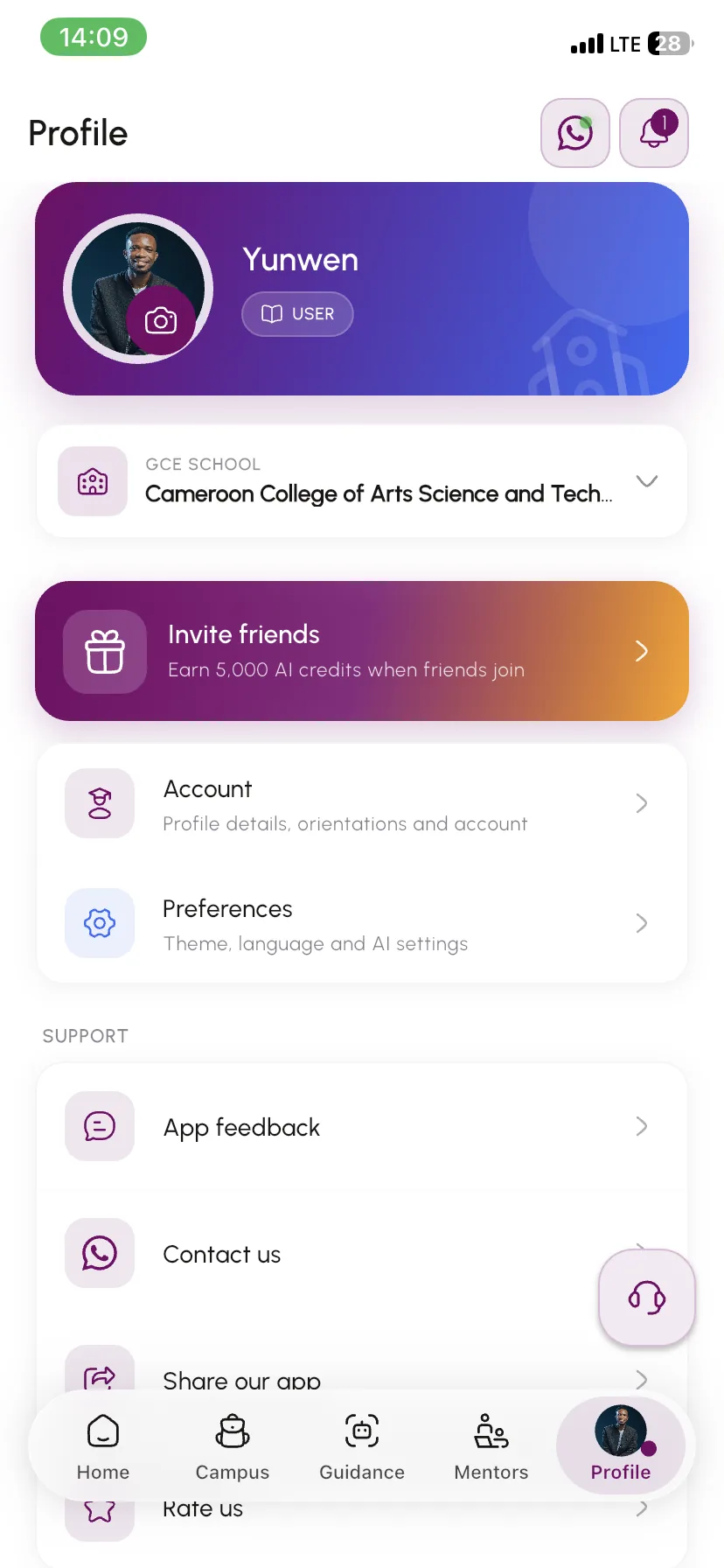
Answer past questions, flip flash cards or solve a scan. Three a day meets your goal and keeps your streak going, and a calendar shows every day you studied.
GCE timetableFree
The official GCE timetable
See every written and practical paper by day or by subject, with a countdown to the exams. Highlight your subjects, and use it offline after the first load.
Opportunities
Scholarships and internships for you
Calls for applications that fit your level and field, with reminders 7, 2 and 1 day before each deadline.
Browse opportunitiesSoonAudio lessons: revise while you walk, travel or rest your eyes.
How it works
How it works
From sign-up to studying in minutes.
- 1Step 01
Create your account
Sign up on the Togeva app and set up your profile. - 2Step 02
Set up your campus
Add your university, department, and level — or select your GCE track. - 3Step 03
Choose a plan
Pick University Life for tertiary content or a GCE plan for O-Level / A-Level. - 4Step 04
Start studying
Open a paper, scan a question with Solve, or build a deck or a course — AI help is there when you need it.
Why Campus
Why Togeva Campus
Built for how students actually study.
AI when you need it
Stuck on a question? Get on-demand explanations so difficult problems become learning opportunities.
Aligned to real institutions
Content follows your university's actual hierarchy — faculty, department, course — so you study what matters for your exams.
Interactive, not just PDFs
Each question is extracted and presented individually. Tap, read, interact — no more pinching and zooming on blurry scans.
True mobile experience
Designed for your phone from day one. Study on the go with a clean interface that actually works on a small screen.
Fair, scoped access
Your subscription matches your studies — department, level, and semester. You get exactly what's relevant to you.
Always expanding
New universities, courses, and papers are added regularly. The catalog grows with the community.
Questions
Frequently asked questions
Still have a question?
Ask in the Togeva Campus WhatsApp group — students and the Togeva team answer there.
Ask on WhatsApp01Is Campus only for university students?
No — there is a GCE track for O-Level and A-Level as well. Both secondary and tertiary students can use Campus.
02What else is in Campus besides past papers?
Solve (snap a photo of any question and get step-by-step working), Flash Cards (AI decks you study by swiping), AI Courses (a full course with a summary and quiz per chapter, built from one sentence), Play Center quizzes, a daily study streak, the official GCE timetable and scholarship and internship opportunities. Audio lessons are coming soon.
03Does my subscription include every university?
University Life access is tied to your department, level, and plan. You get what matches your studies, not a random question bank.
04Can I have more than one campus on my profile?
Yes — useful for multiple programs or transfers. Your subscriptions align to your chosen campus entry.
05What does the AI do?
On any past question it can tutor you with hints (tutor mode) or show the full worked solution (answer mode), and you can keep asking follow-up questions. It also powers Solve, Flash Cards and AI Courses. AI features use AI credits, which you can top up in the app.
06How is content added?
Togeva curates and expands the catalog through internal tools. Coverage grows over time as more institutions are onboarded.
07Is this just another PDF app?
No. Questions are extracted from documents and presented individually in a clean, mobile-friendly interface. You interact with each question, not a scanned page.
08Are Flash Cards and AI Courses free?
You get one free flash card deck every day, and the GCE timetable is free. Beyond that, generating decks, writing AI courses and Solve use AI credits. If a course chapter fails to write, its credits come straight back — nothing to claim.
Free to download
Ready to study smarter?
Download the Togeva app for past papers that are clean and interactive — plus Solve, Flash Cards, AI Courses and a daily streak to keep you on track.
Join group on WhatsApp